
You have a windows pc or apple mac, this a full tutorial to how to install IPTV Service on both devices:
- Setup your IPTV playlist on you Windows Pc.
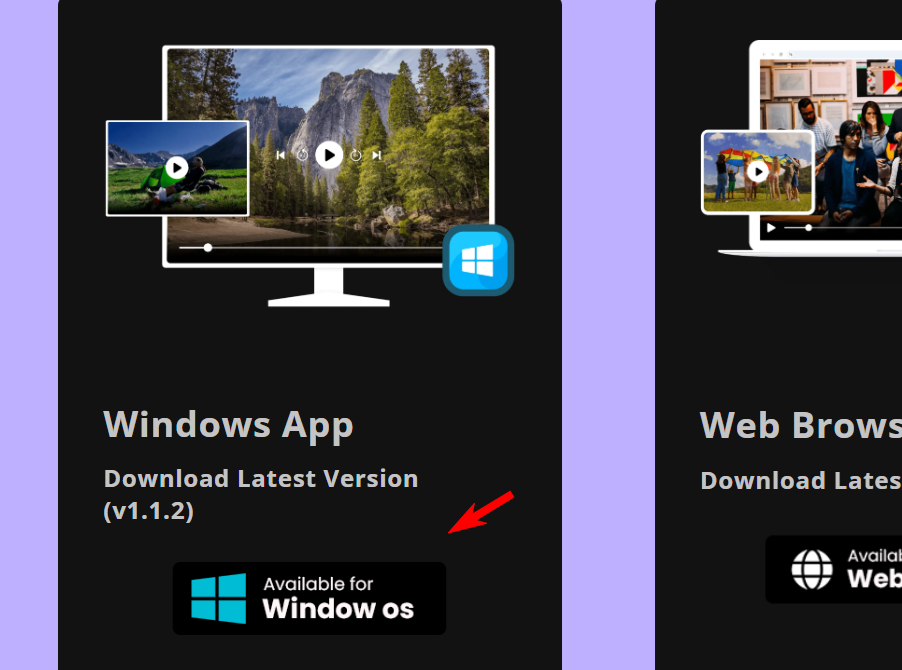
Step 1: Install a software (app), there many but the better one is Smarters Pro.
- To setup your iptv subscription on Smarters Pro you can download the app from the official website https://www.iptvsmarters.com/#downloads
Step 2: After you downloaded the Smarters, enter you login credential you got from your IPTV Povider
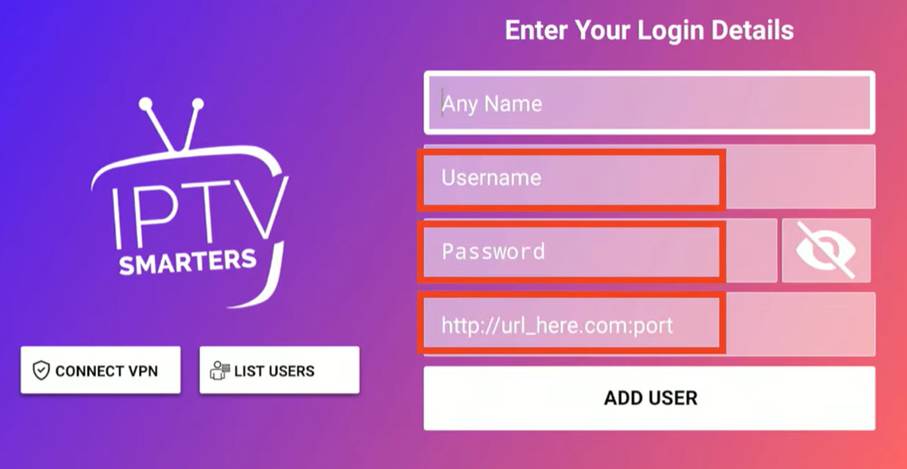
Step 3 : Click on Add user then your playlist will be loaded and see the home screen
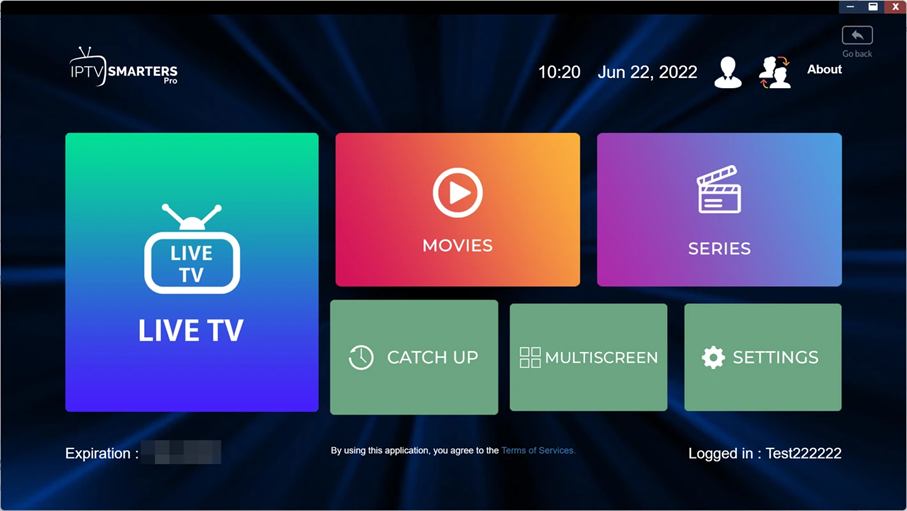
Now you can enjoy watching by clicking onn live tv, movies or series.
-
Install IPTV on Mac Os Device :
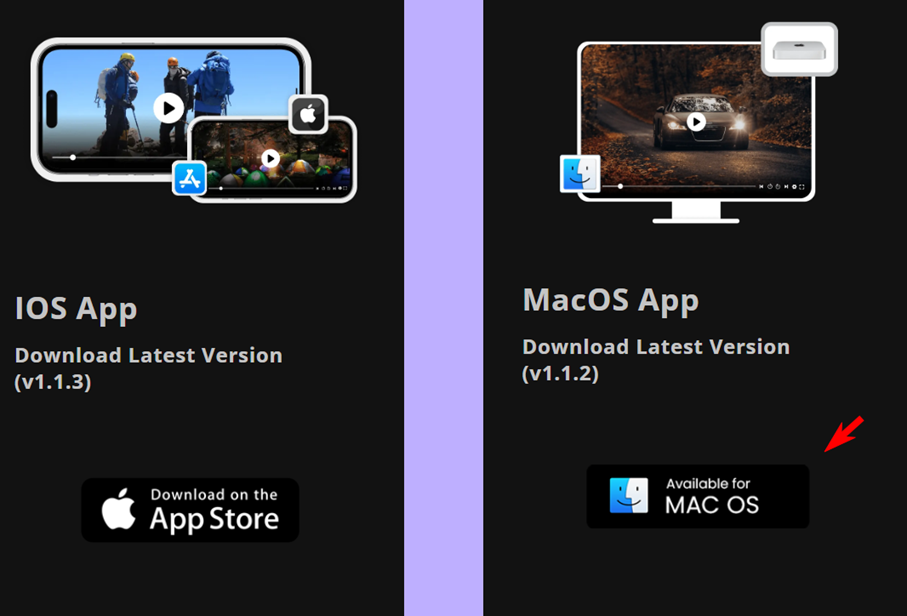
Step 1: To setup you iptv subscription on your mac it is the same steps us windows pc, go to the same website : https://www.iptvsmarters.com/#downloads
This time choose mac option to download Smarters Pro for mac.
Step 2: Enter your login you got from your IPTV provider with the same way as windows pc.
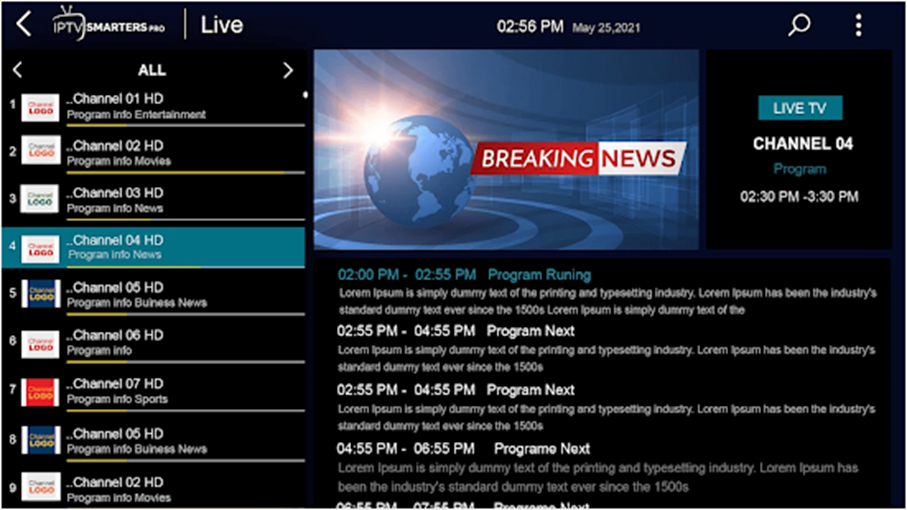
Enjoy watching you favorites channels.