
Installing the Downloader App on Firestick
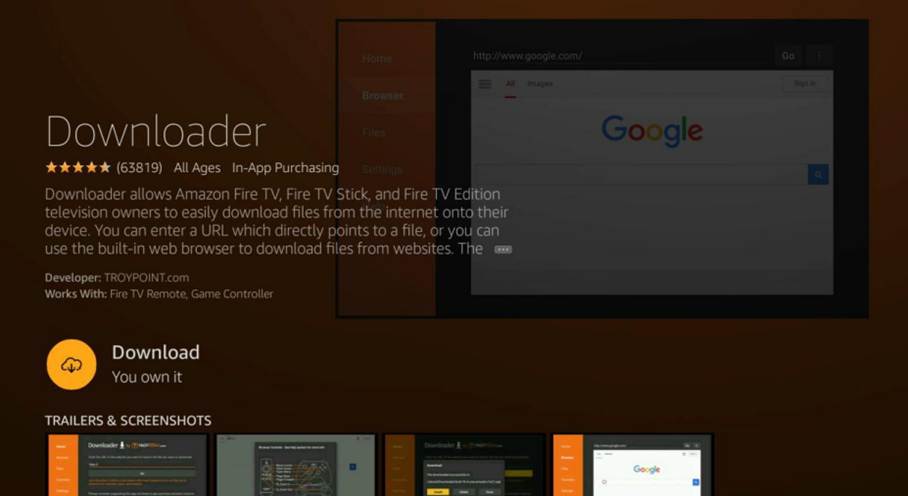
To start using IPTV Smarters Pro on Firestick, we first need to install the Downloader app. This app helps us download and install APK files from the internet. You can find the Downloader app in the Amazon Appstore.
Here are the steps to install the Downloader app:
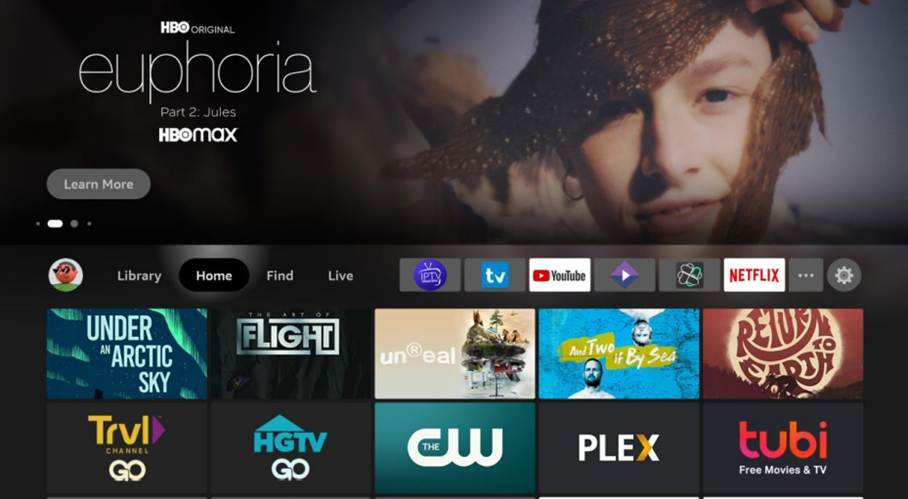
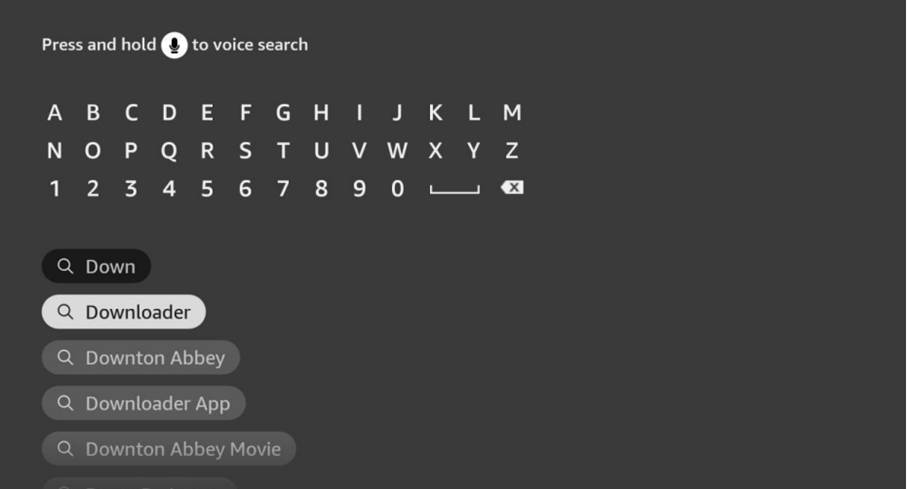
- On your FireStick home screen, go left to Find, then down to Search for Downloader.
Enable Sideloading on FireStick
FireStick blocks third-party apps by default. Adjust the settings with these steps:
1. Open Settings on your FireStick home screen.
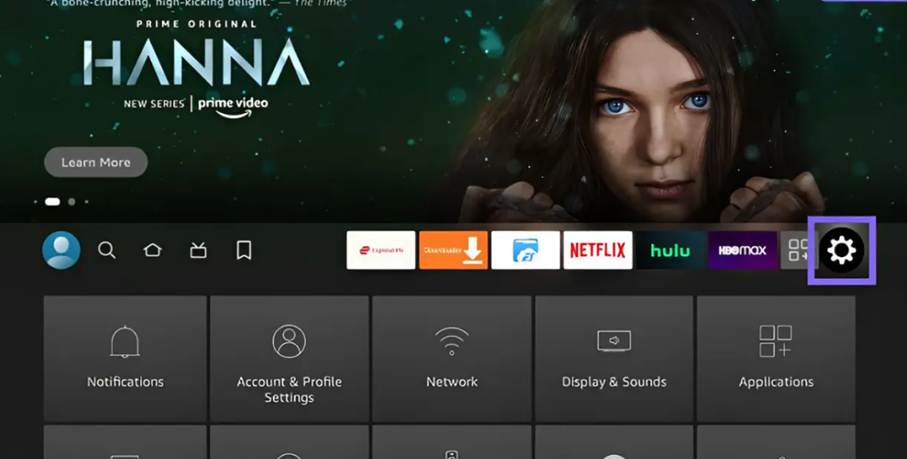
2. Select My Fire TV.
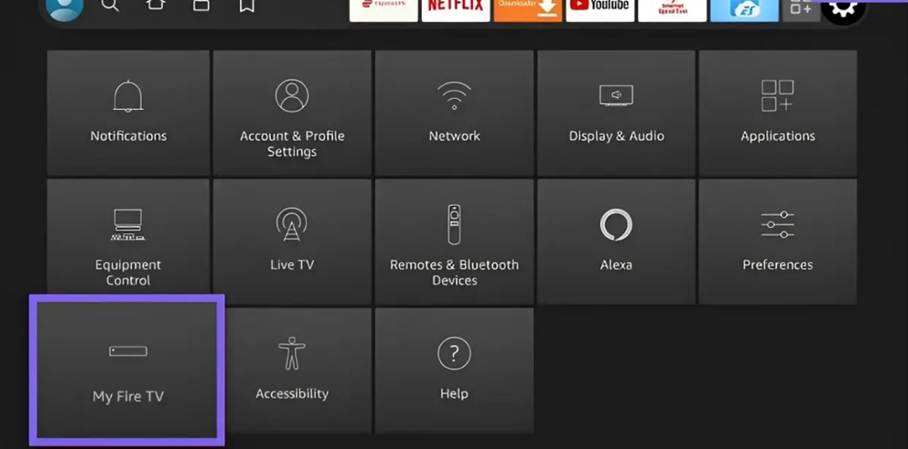
3. Select Developer Options.
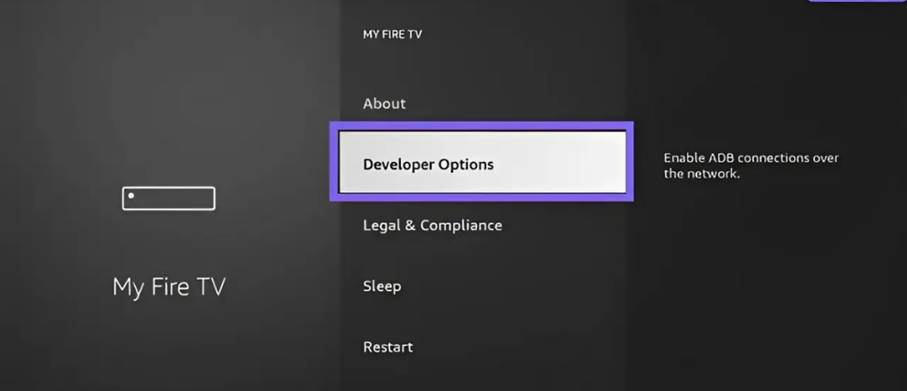
4. Choose one:
- Install Unknown Apps: Enable Downloader.
- Apps from Unknown Sources: Turn it on.
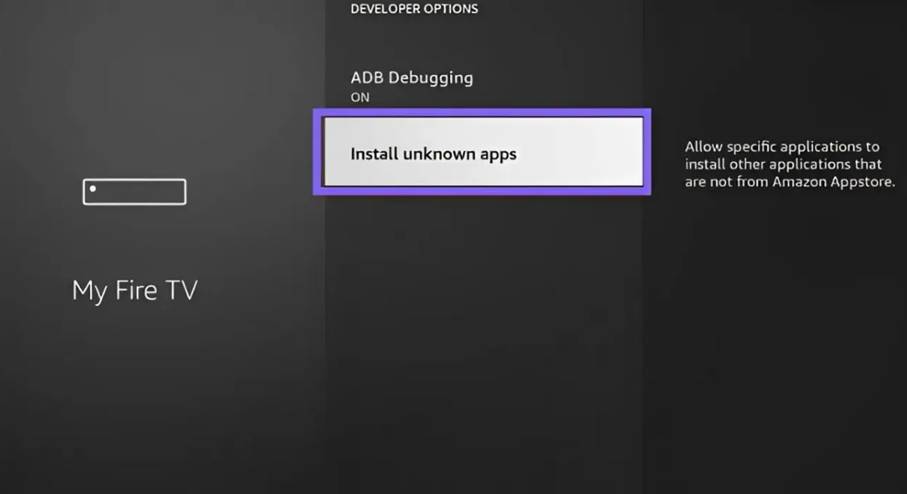
5. Select Downloader and turn it ON.
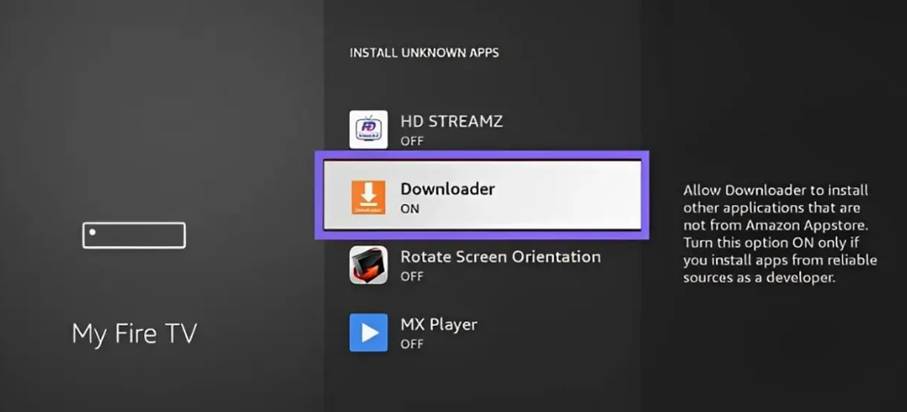
Your FireStick is ready for third-party apps.
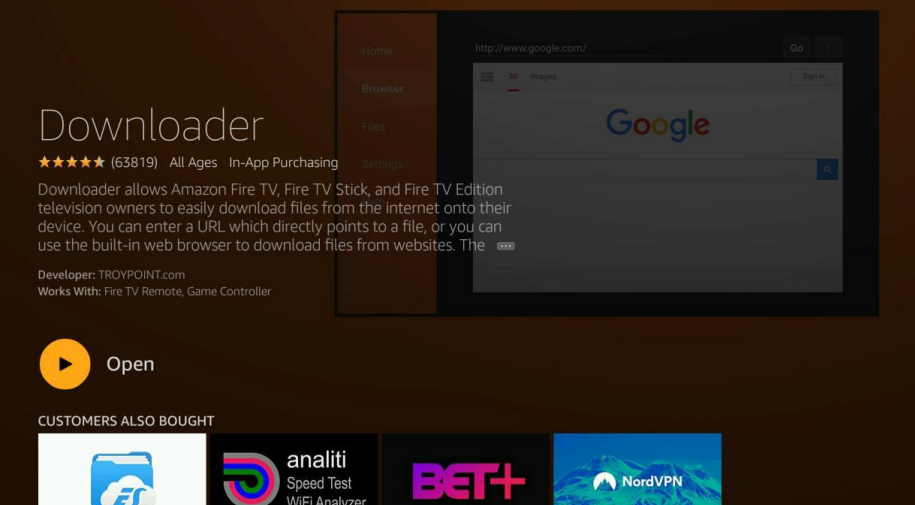
After installing the Downloader app, we can use it to download the IPTV Smarters Pro.
Install IPTV Smarters Pro on Firestick
- Open Downloader and select the URL textbox on the right (ensure Home is selected in the left menu).
- Enter this Code: 78522
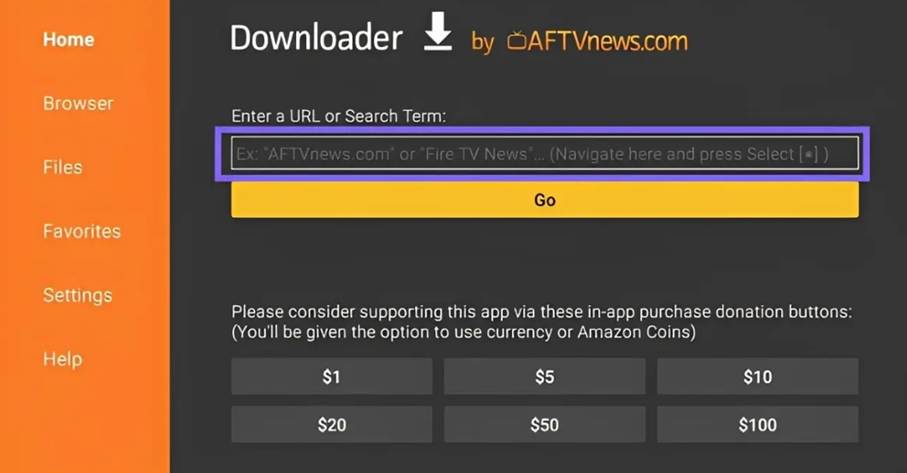
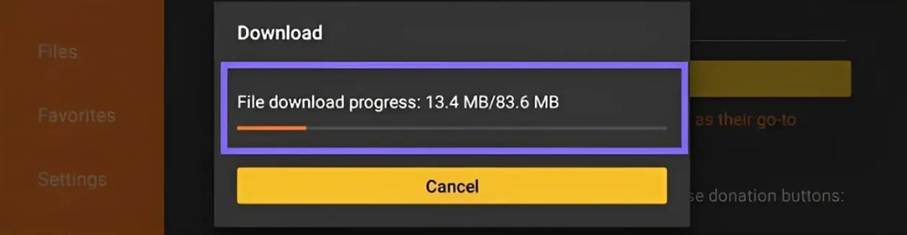
3. Wait a minute for IPTV Smarters to download.
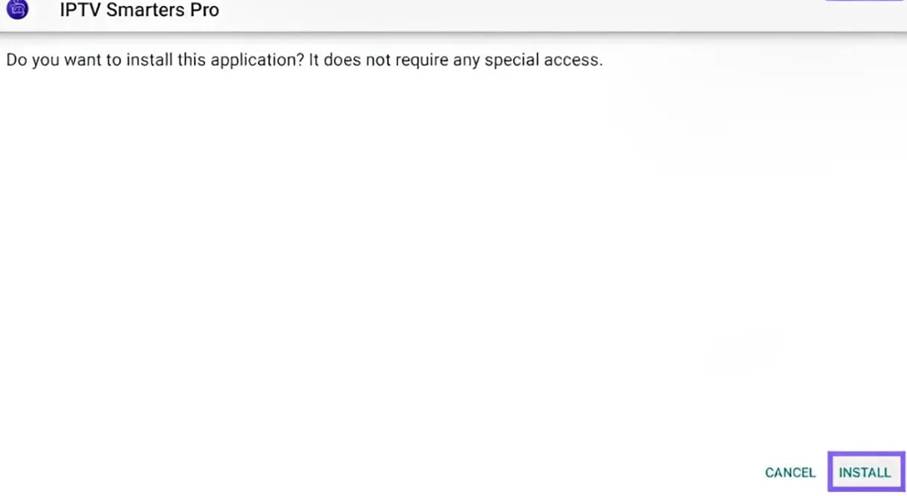
Add IPTV Playlist to IPTV Smarters Pro
To get an IPTV playlist, we recommend the best IPTV provider. You can explore these top services and also get a free trial. These IPTV services offer M3U and Xtream Codes with excellent streaming quality.
- Open Smarters and choose Xtream Codes API.
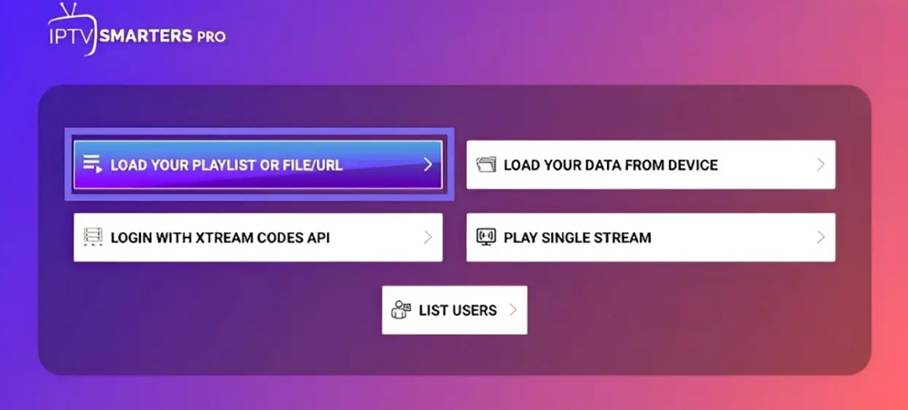
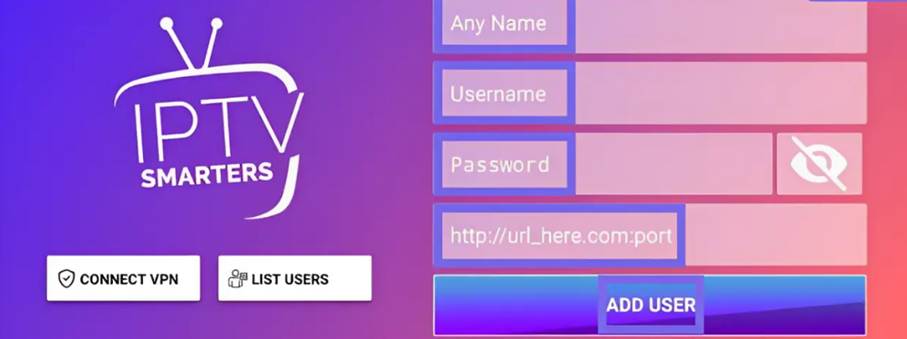
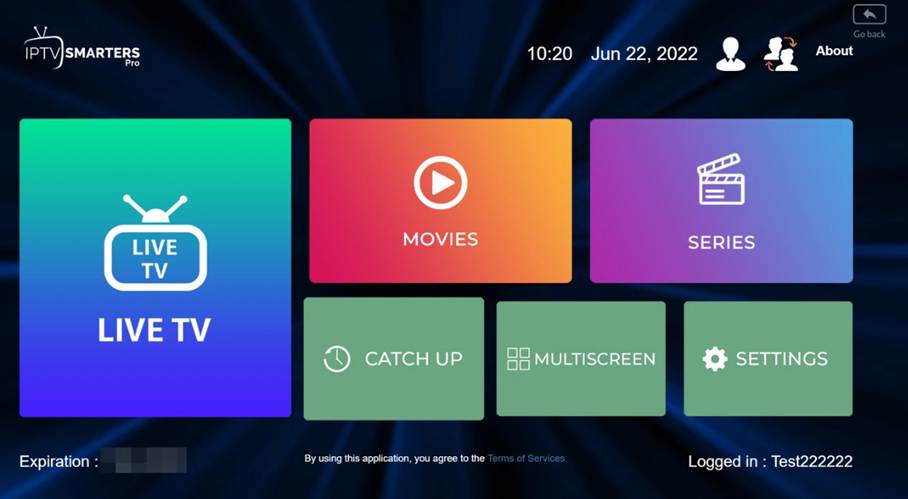
Now you IPTV Smarters is ready to use, and your playlist ready to watch. Enjoy.