
- SAMSUNG
Step 1: Click on the Apps or search icon.
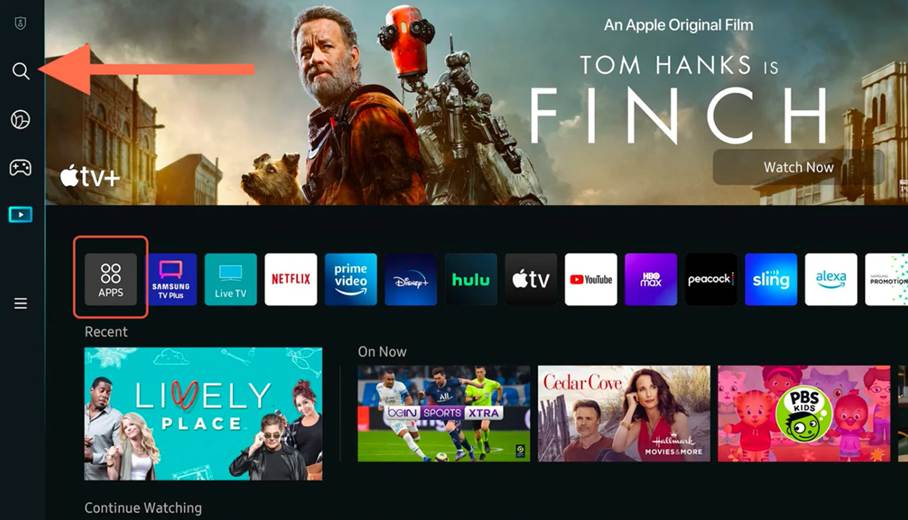
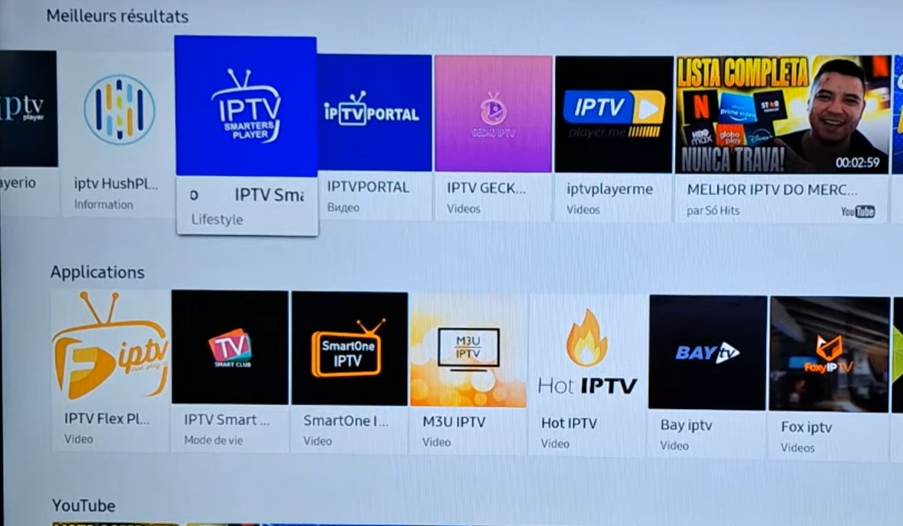
Step 2: Type the word IPTV on the search bar, you will see many apps, choose IPTV Smarters Pro.
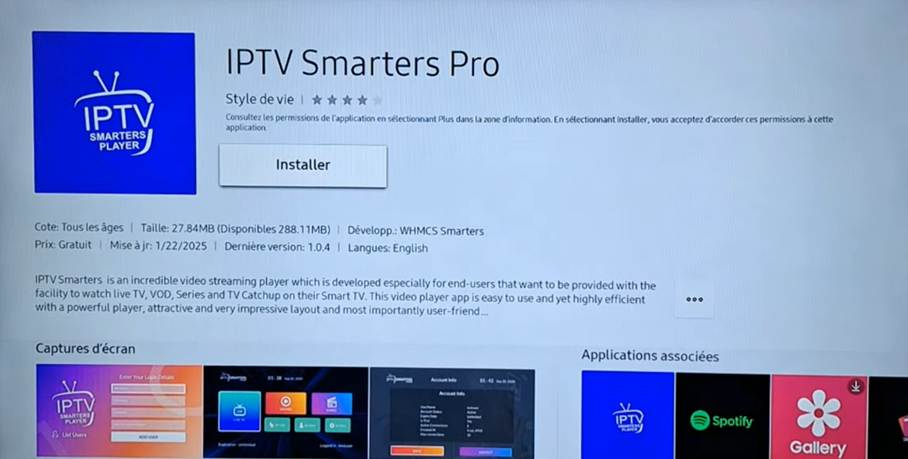
Step 4: Click install, it will install IPTV Smarters on you Samsung tv.
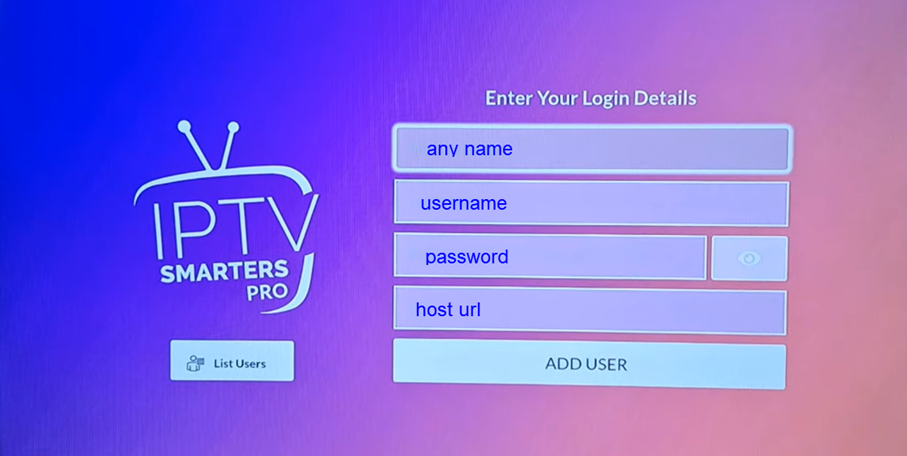
Step 5: Open the app and enter the playlist login you got from your iptv provider, then click Add user.
After that your playlist will be loaded. Enjoy
- LG Smart tv
To setup your IPTV playlist on your Lg tv it’s the steps as Samsung
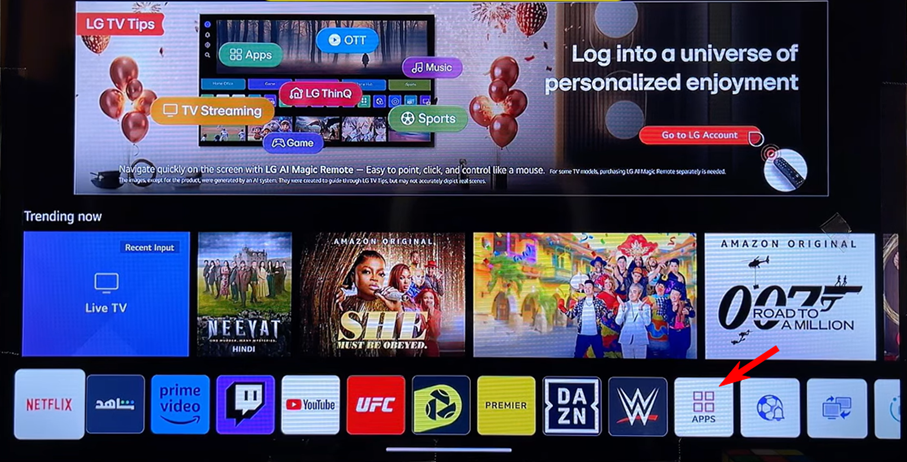
For both Tvs you can install other apps liki ibo pro or ibo player, if you don’t like or it’s not working with your playlist.
For any question about installing any app on your device just contact our support.